Double#
Sound insulation through Double Panels such as Walls and Ceilings can be considered via two significant paths:
- The airborne path through the air cavity
- The structure-borne or bridging path through framing connecting the panels on each side of a Double system
To model a Double panel or cavity wall:
-
Select the Wall tab from the INSUL Construction tabs
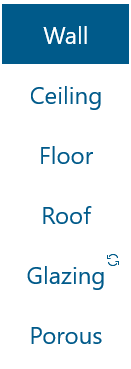
-
From the INSUL Panel tabs, select the Double tab

-
Update panel details from Double > Panel 1 and Double > Panel 2
-
With Double > Frame 1 selected, chose a suitable frame form the Frame Type list

-
Adjust the frame dimensions as required, such as the cavity width and stud spacing.
-
Enter details of any cavity infill.
The chosen Double system is presented in the INSUL Illustration.
Cavity infill#
INSUL can predict the performance of double panel walls if there is an absorptive blanket or infill in the cavity between the panels or if the cavity is empty.

- The type of absorptive blanket can be selected from the list of Infill Products.
- The thickness of the absorptive material can be altered by entering the new value into the Absorber Thickness box.
The infill material can be fibreglass, Rockwool, polyester fibre, wool, or open-celled plastic foam. Additional materials can be entered using the Materials Editor The information required is the description of the material, its thickness and its flow resistivity.
Estimate the flow resistivity...
INSUL includes is a calculator to estimate the flow resistivity for several common material types based on the density of the absorber.

The calculator is available on the Porous tab.
Model porous materials with care
The porous material algorithms in INSUL implement equations which are semi-empirical. Because of this, INSUL's predictions are most reliable when used within limitations.
It is recommended to not use materials thinner than 25 mm or thicker than 200 mm.
It is recommended to not use materials less than 500 Rayl/m or more than 60,000 Rayl/m.
It is recommended to not use materials wtih a density greater than about 50 kg/m3.
With these considerations in mind, INSUL displays an alert message when a model includes infill materials with high flow resistivity or high density. The thresholds for the alert message are a flow resistivity value of 22,000 Rayl/m or a density of 50 kg/m3:

To hide the alert message for the remainder of an active INSUL session, check the Do not show again during this INSUL session option included in the alert window.
Note that, if INSUL is closed and restarted, the alert message will show again.
Frames#
INSUL includes dozens of different wall frame arrangements which can be selected from the Frame tabs.
The list of frame types can be filtered, by categorising into timber, steel or masonry type connections.

Some common frame types include:
- Single stud walls are walls in which the linings on both sides of the frame are rigidly fixed to each other. This is the most common type of wall.
- Steel studs are a common type of wall framing in non-load bearing situations (eg., office walls), which can be modelled by INSUL.
- Double stud walls are modelled reasonably well as double panels without connections.
- Staggered stud walls are modelled reasonably well as walls with line connections at 2.7 metres (the typical wall height and therefore spacing between top and bottom common plates).
- Z Girts are a common frame construction for large industrial buildings.
- Butterfly ties are commonly used to tie brick walls together.
- Suspended ceiling hangers – certain steel and neoprene hangers can provide very high isolation.
- Double Masonry is a connection to be used for walls of two independent heavy masonry walls.
- Resilient batten and steel rail – This is a construction that uses a rubber or neoprene element between the joist and the flooring. It is modelled on the James Hardie QStrip but it could be used to approximate other resilient battens such as the Monarfloor Acoustic Batten System.
Other frame types are discussed here.
Cavity width, stud properties#
Cavity width
For most frame types, the Cavity Width can be adjusted to match the design requirements.
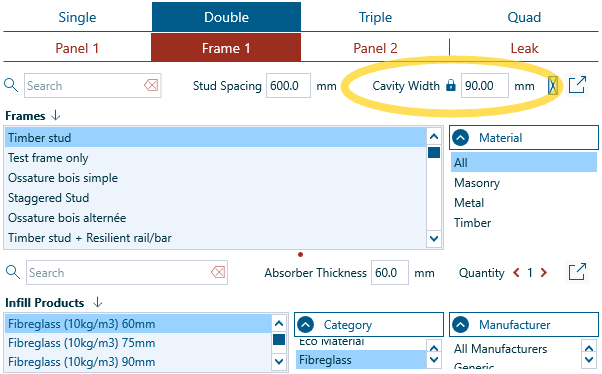
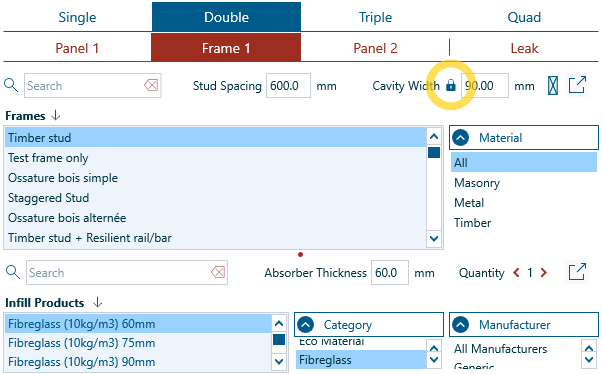
In some cases, it can be helpful to keep the dimensions of the Cavity Width fixed while trying out different frame types.
INSUL provides a Keep cavity width constant option for this. Clicking the lock icon next to the Cavity Width value will fix the dimension. When the lock icon has a red background, the lock is set.
Stud properites
For many frame types, the stud or joist properties can also be adjusted
- Stud Spacing can be updated directly from the Frame tab.
-
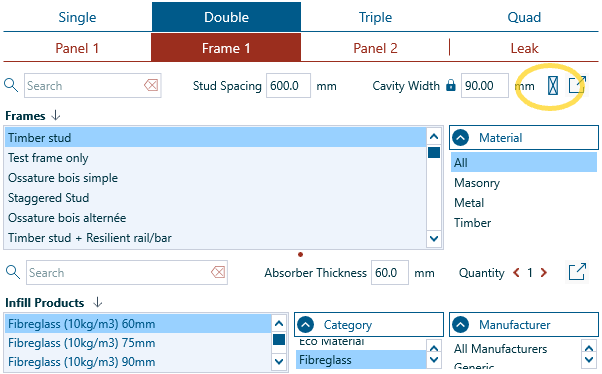
Stud Depth and Stud Width can be changed from the Frame Properties window, which can be accessed via the Adjust stud dimensions icon:
If the Cavity Width is changed, will the Stud Depth change too?
When the Cavity Width is changed, INSUL coordinates the dimensions of the stud or joist components of a frame. INSUL manages these changes across several different scenarios.
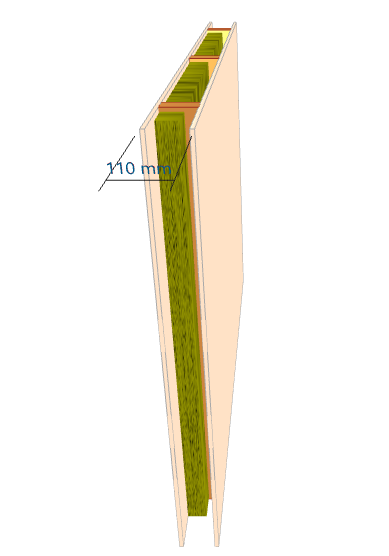
Scenario A: The frame fits the cavity
With frame types such as Timber stud, Steel stud (0.55 mm) and Solid Joist, the framing spans across the full width of the cavity.
Accordingly, when the Cavity Width is changed, INSUL will update the Stud Depth to equal the Cavity Width. And, conversely, if the Stud Depth is changed, INSUL will update the Cavity Width to match.
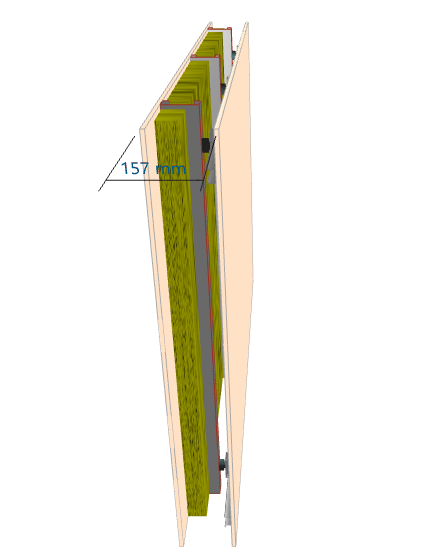
Scenario B: The frame almost fits the cavity
Similarly, for frame types including Timber stud + Resilient rail/bar and Rubber isolation clip on steel stud, the framing spans across the width of the cavity except for an acoustic component (the resilient rail or isolation clip) which generally has a fixed depth.
For these types of frames, INSUL also updates the Stud Depth whenever the Cavity Width is changed and vice versa.
Scenario C: The frame includes a gap
Many frame types in INSUL include a gap. For example, Double timber stud and Left steel stud + air gap.
For these frame types:
-
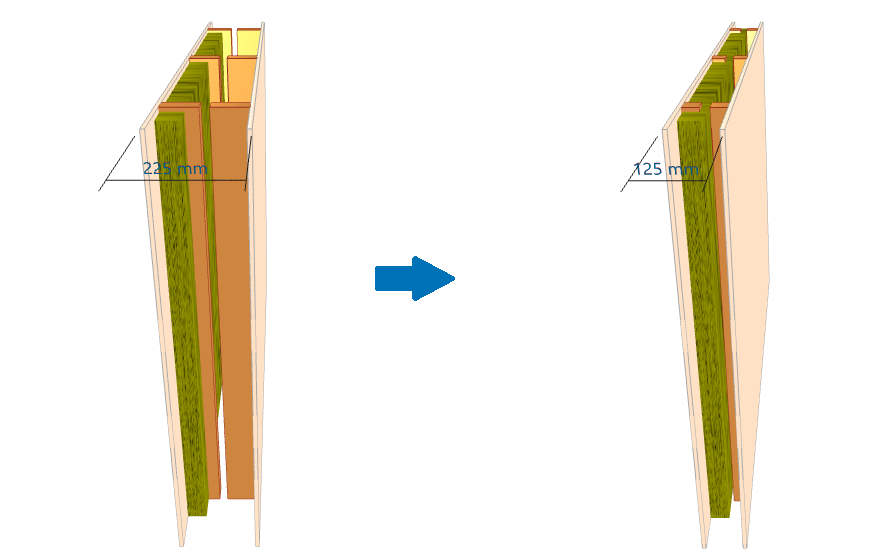
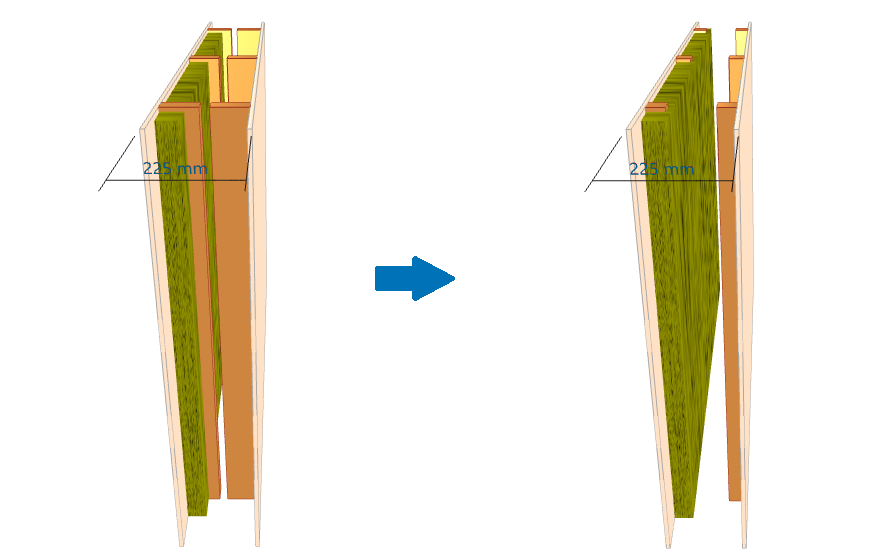
If the Cavity Width is increased, then the Stud Depth does not change. Rather, the gap associated with the frame type increases.
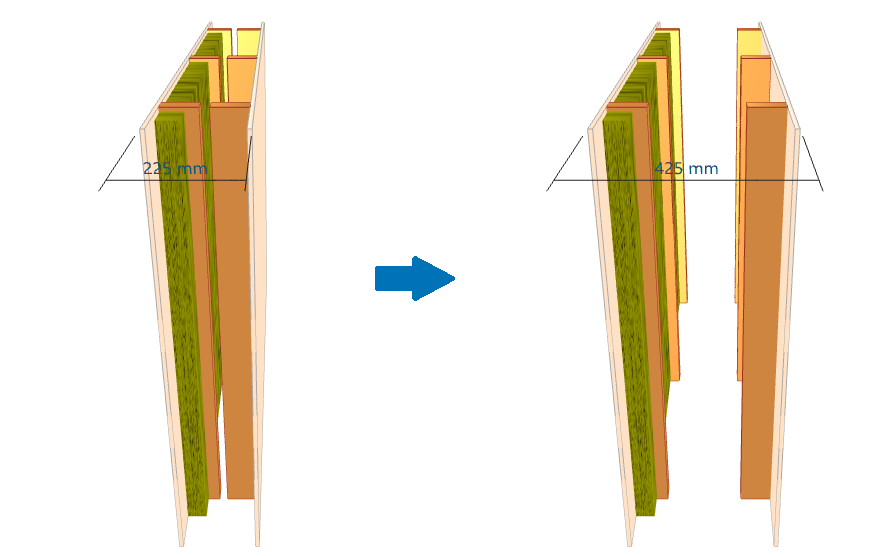
-
If the Stud Depth is increased, then the Cavity Width will also increase. In this case, the dimension of the gap does not change.
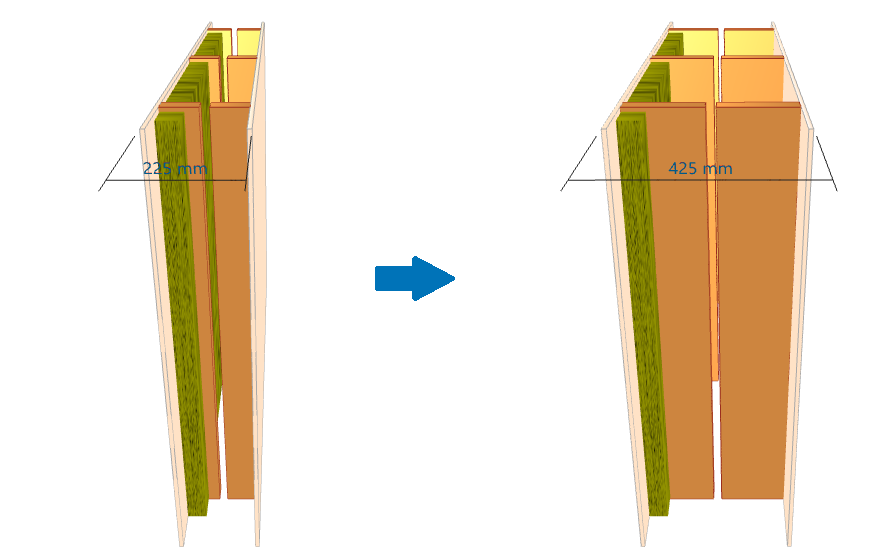
-
If the Cavity Width is decreased, then the Stud Depth will also decrease while the dimension of the gap does note change.
-
If the Stud Depth is decreased, then the Cavity Width does not change. Rather, the gap associated with the frame type increases.
Scenario D: Make it fit...
If the Cavity Width and Stud Depth required for a model are different from INSUL's default values, then the Keep Cavity Width Constant lock can be used to fine tune the frame dimensions:
- Set the Cavity Width to the required value
- Click Keep Cavity Width Constant to lock the dimension
- After locking, changes to the Stud Depth and Stud Width will update the frame details in the model, but the Cavity Width will not change.