General Settings#
Illustrations#
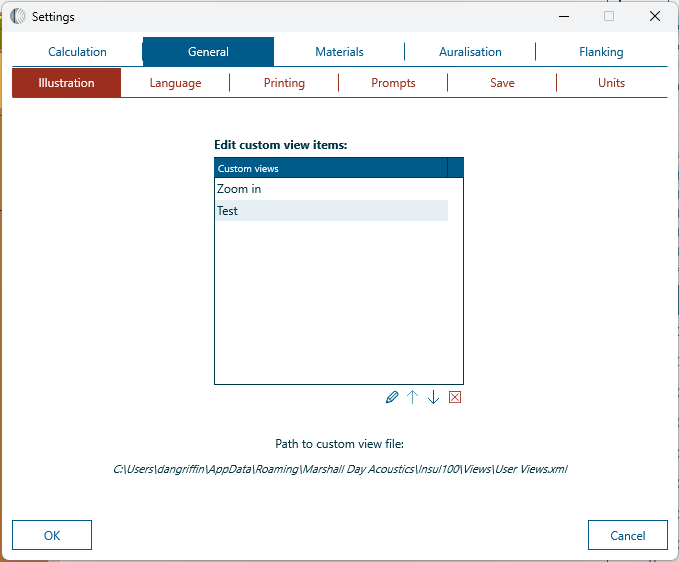
Illustration views can be edited and deleted from this tab.
Language#
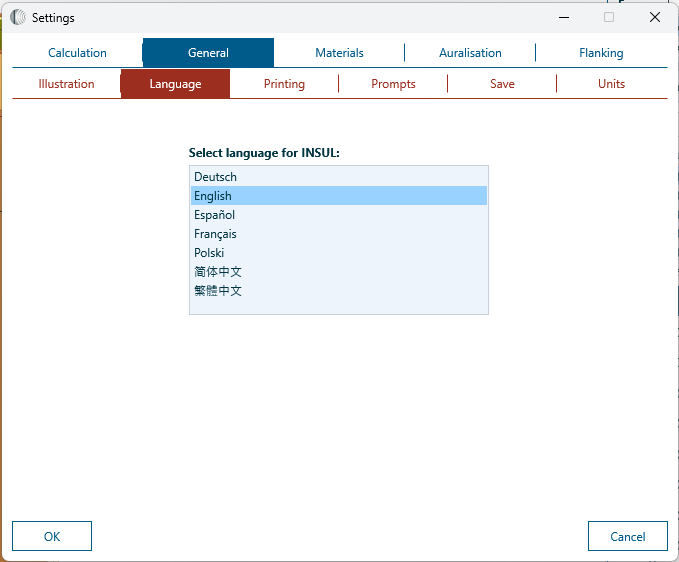
Change language by selecting from the language list:
Printing#
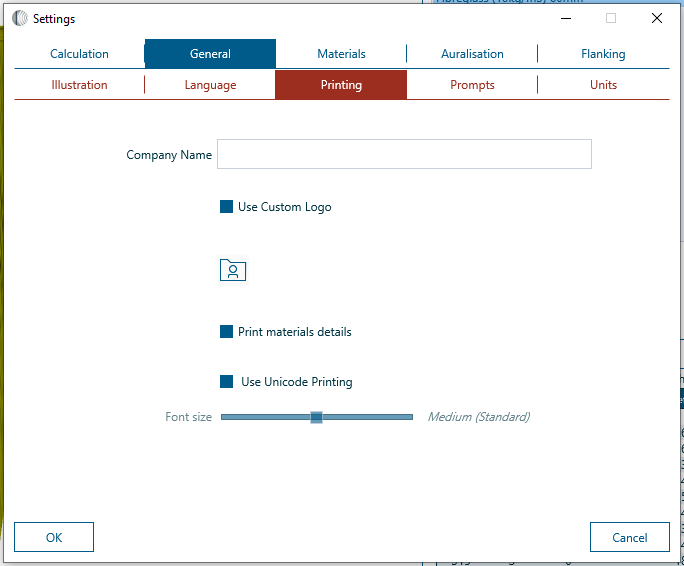
Details of print settings can be found here.
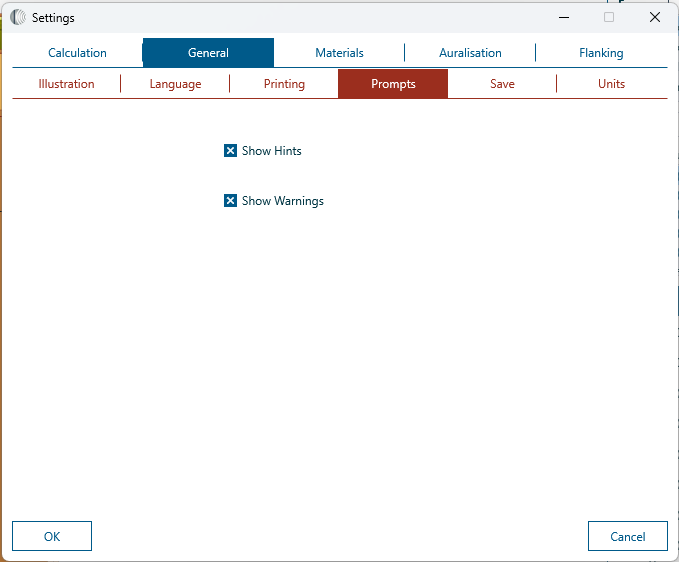
Prompts#
Choose whether to show hints.
Save#
Save - Save As options can be configured. Two options are available:
- Prompt for file name with every save
- Prompt for file name with Save As only
The Save tab also includes an option to show or hide a prompt to save the current model when INSUL is closed.
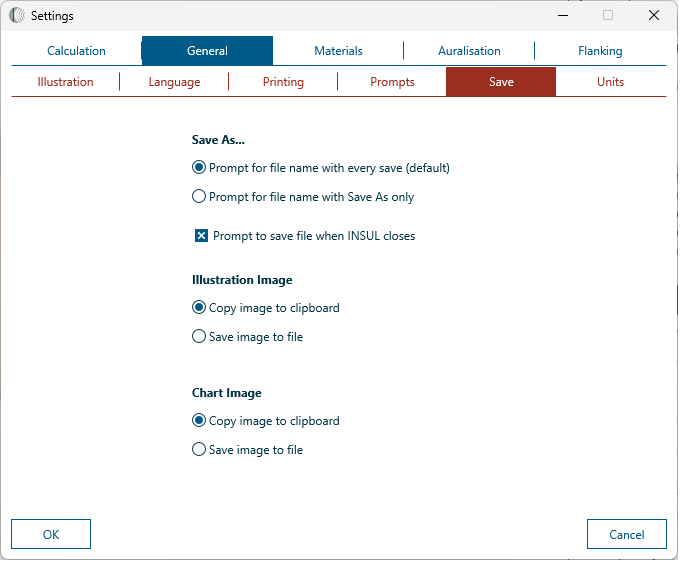
It is also possible to adjust the copy - save configuration for the Illustration and Chart. Further details for these settings can be found here.
Units#
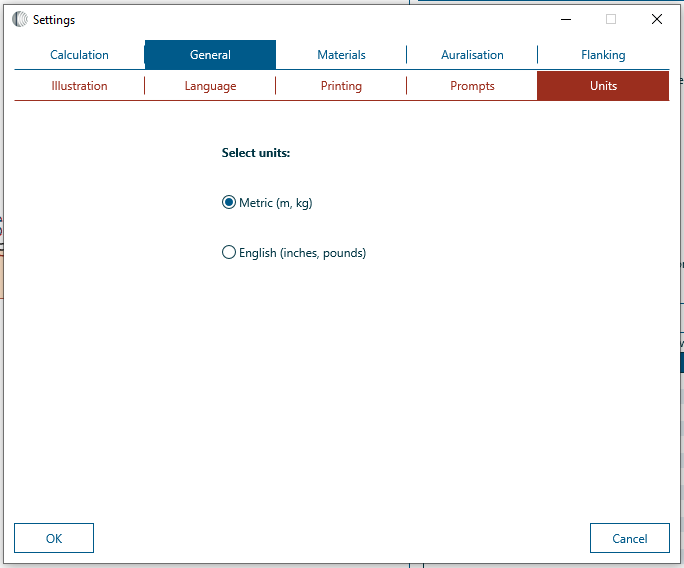
The Units tab provides an option to update measurement units to either Metric or English.
Restart required
INSUL must be restarted after changing the units for the change to be implemented correctly.