Copy#
Data#
Predicted sound insulation values can be copied from INSUL in several ways.
- Select File > Edit > Copy data
- Select Copy Data from the Toolbar
Illustration#
The INSUL Illustration can be copied to the clipboard in two ways.
- Select File > Edit > Copy Illustration
- Select Copy Illustration from the Toolbar
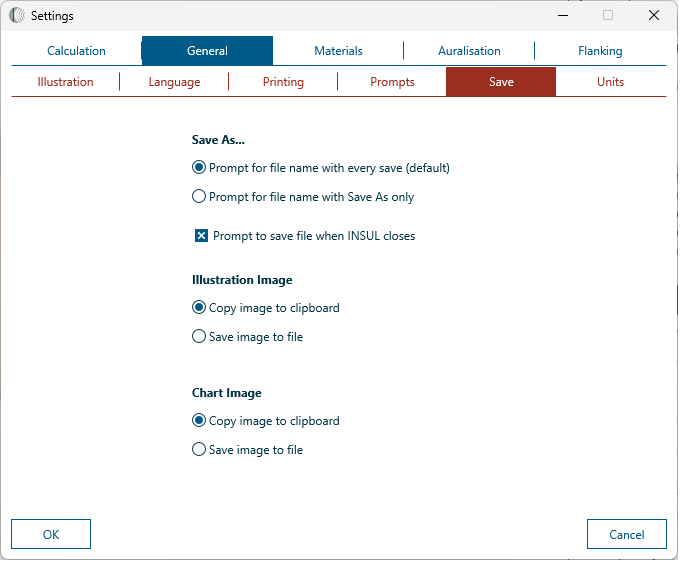
The Illustration can also be saved to file.
The copy/save configuration can be changed from the Settings window by navigating to Settings > General > Save.
Chart#
To copy the INSUL Chart to the clipboard select Copy graph from the Chart.
The Chart can also be saved to file.
The copy/save configuration can be changed from the Settings window by navigating to Settings > General > Save.